
Skip to content
vdyn

For autocross and track days

Find the time. Know what to do next.

Your stopwatch gives you a number. It doesn’t tell you whether you gave up speed at corner entry, lost the exit, or changed something that didn’t help. vdyn gives you a way to find out. Record the drive with vdyn Logger on your iPhone, then put the run beside the data, the car model and your other attempts. See what changed. Make a better call before the next one.

Built and tested at real events. Still in development; not publicly available yet.

REC Run 3
0.00
Waiting for the start line Timing begins when the line is crossed.
Illustrative run, lap and analysis. Animation sped up.

The analysis lives on your device

The car model, lap comparison and engineering tools run inside vdyn. You don’t need an upload to get an answer from your own data.

Your sensors, one recording

Start with the phone. Add a receiver, camera or vehicle data when you have it. Logger keeps the streams together instead of leaving you to piece them together later.

Noise isn’t a result

Tiny differences can disappear inside GPS uncertainty. vdyn checks what the recording can support before it calls something a gain or a loss.

An explanation you can inspect

The coach uses the analysis tools underneath it. Values with units are checked against those tool results, and the app can give you the answer without AI narration.

The vdyn suite

One app records the drive. The other helps you learn from it.

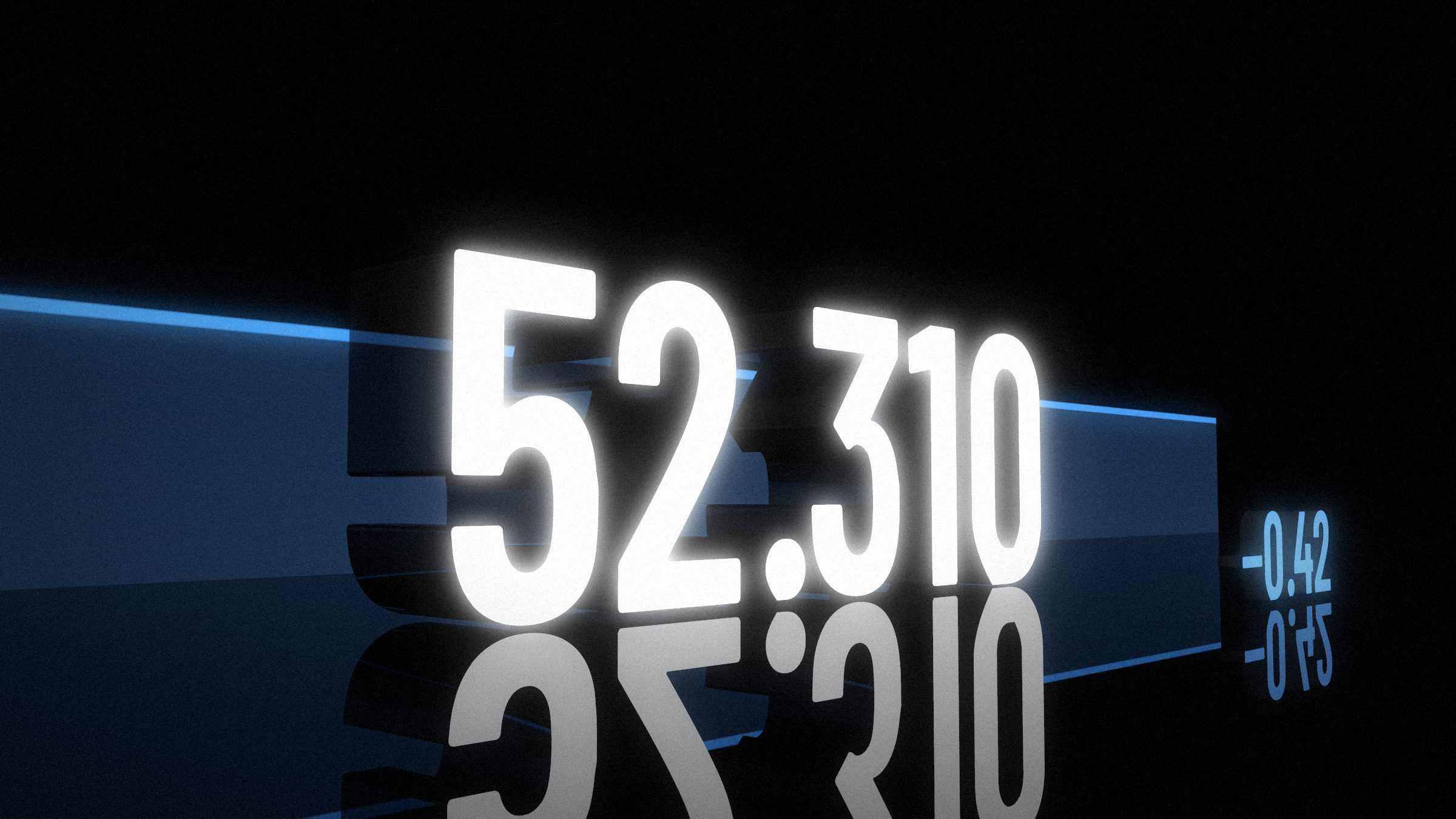
Logger’s Drive screen during a run: the clock at 38.6, 0.31 seconds ahead of the best run, with the hold-to-end-heat control at the bottom.

Record · iPhone & iPad development builds

vdyn Logger

Put the phone in the mount and drive. Logger handles the clock, captures the sensors and gives you the run to review when you stop.

  • Automatic run and lap timing
  • Fused 50 Hz position estimate
  • Run comparison at the car
Explore vdyn Logger
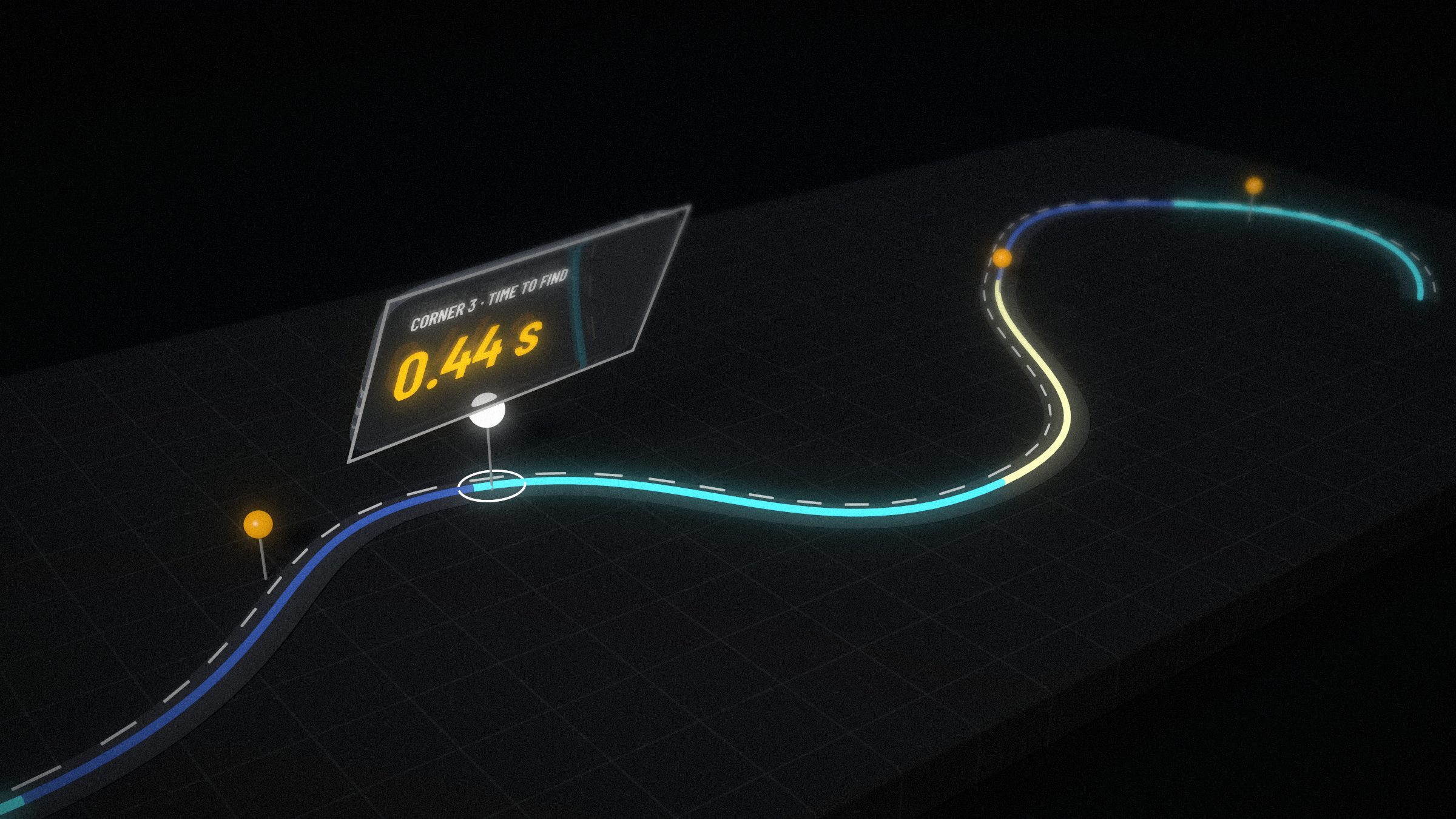
vdyn on iPhone, illustrative: the latest run, Sample event, Run 3, with a recorded time of 64.595 and 2.69 s to find. Where to look first: Corner 3, 0.44 s.

Analyse · Mac build now · iPad & iPhone in development

vdyn

Compare runs, see where speed and line made the difference, and test a different approach before you drive again.

  • Lap Review with 3D preview
  • Adjust a line and model the result
  • Ask questions about your data
Explore vdyn

Use Logger on its own, or bring supported recordings into vdyn. When both apps share an iCloud Drive library, completed recordings move across without a cable. App screens show illustrative demo data.

Coming from SoloStorm?

Built for iPhone. Your SoloStorm runs come too.

SoloStorm is battle-tested autocross software, refined over years of events. It’s also Android-only. vdyn Logger is built for iPhone and iPad from the ground up, and vdyn goes past the logger: it models what each run could have been and shows where the time went. Switching phones doesn’t mean starting over. vdyn imports your SoloStorm history.

Not on sale yet. vdyn Logger runs on iPhone and iPad with iOS/iPadOS 26; vdyn runs on Apple silicon Macs. Modelled times are estimates, not guarantees. vdyn isn’t affiliated with or endorsed by SoloStorm.

How it works

Start with what happened. Then work out why.

There are two different questions after a run: what did the car do, and what could I do differently? vdyn keeps those answers separate. The recording comes first. Analysis follows. The coach helps you read it without guessing past what the data can show.

  1. 1 vdyn Logger

    Capture

    Logger records the phone’s sensors and the devices you pair to it. The clock, video and vehicle channels land in one session you can actually use.

  2. 2 vdyn

    Measure

    From GPS, the engine estimates the grip and acceleration the car demonstrated. Extra channels add detail, but the basic performance analysis doesn’t depend on a CAN connection.

  3. 3 vdyn

    Compare

    Put runs against each other, corner by corner. Separate what changed in the driving line from what changed in speed, and leave small differences alone when GPS noise makes them uncertain.

  4. 4 vdyn

    Explain

    Ask a question, or read the plain result. The coach can call the tools and explain the output; it doesn’t replace the calculations underneath.

The coach works from a limited summary rather than your entire telemetry file. Its unit-bearing numbers are checked against tool output. Modelled results still depend on the quality and coverage of the original data.

Want to see where this goes?

vdyn and vdyn Logger are being built and tested now. Join the list for release news and an invitation to try a build if a suitable test opens up.

Join the early-access list

No public build yet. We’ll only email about vdyn development and access updates, subject to the sign-up policy you publish.